

rus
eng
Control Panel
Registration
What is E-NUM?
E-NUM authorization system
No more passwords, e-mail only
Challenge - Response Authorization via mobile device
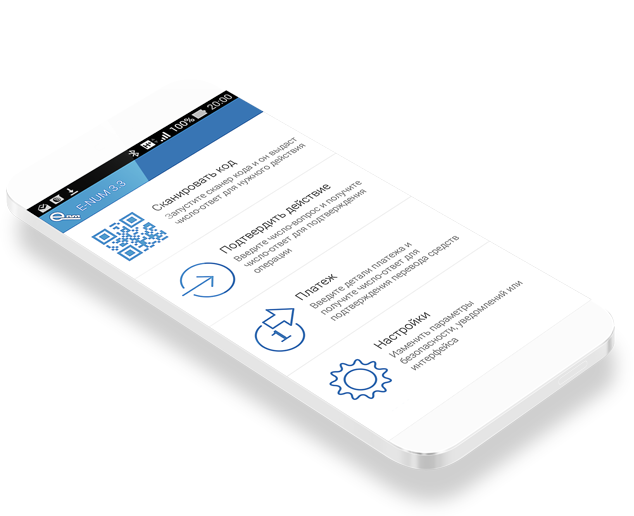
1. Install E-num application, with a unique cipher-pad into your mobile device.
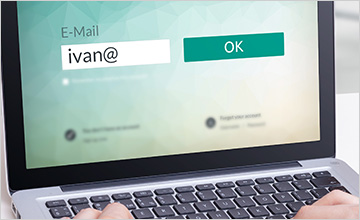
2. Unique challenge value appears at the authorization window (online) after entering your registered e-mail address.
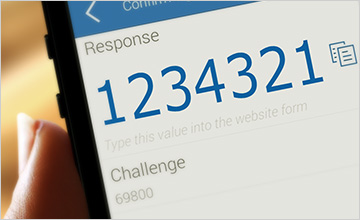
3. After entering the challenge value into the e-num application, you receive the response value.
4. Enter the response and login!
Support Java MIDP 2.0 phones, iPhone, iPad, Android, Windows Mobile devices
E-NUM client download:
new user?
|
already registered
|
recovery
Fingerprint authorization from a laptop or PC
1. Install E-num Fingerprints application
2. Register your fingerprints at your Control Panel at the E-num site
3. Press your finger to the scanner at your device the authorization window (online). Login!
Support both external and embedded devices, built into laptops, keyboards, mouse
List of supported devices
Fingerprint Scanners and Devices store, delivery available
Refer all your questions to:
:
support@enum.ru
©
Computing Forces Close Corporation 2005-2010